help
- Notification access
- Microphone and the visualizer
- Album art colors
- Backup and restore
- Live wallpaper
- Widgets in rooms
- Music servers
Notification access
Android only lets apps see what other apps are playing if they have notification access. Zine uses it to show the song, artist and cover art, give you playback controls and match its colors to the album. Without it, Zine only knows about its own music.
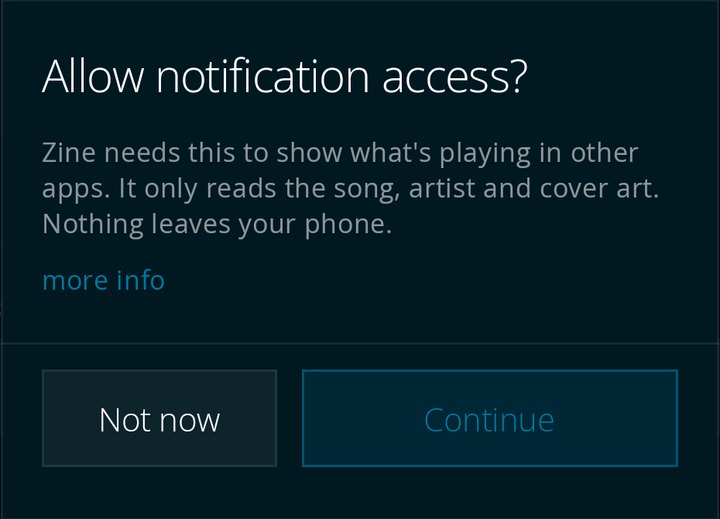
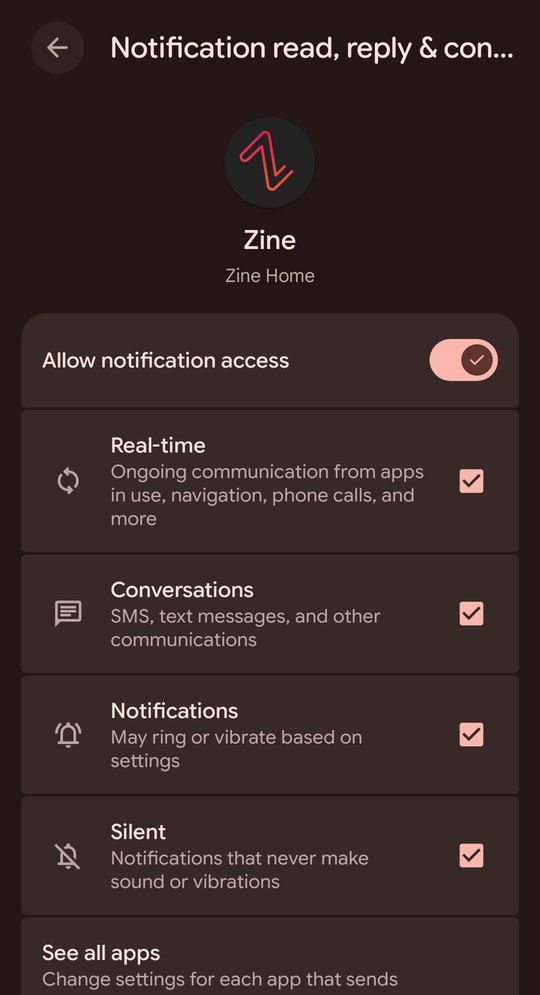
Zine doesn't read your notifications or send this information anywhere.
To choose which apps Zine follows, go to Choose sources. If an app is missing, play something in it and check again. To turn access off, search "notification access" in Android settings.
Microphone and the visualizer
Zine never listens to you. The visualizer reads the music Zine is playing, the same sound that comes out of your speaker.
Android puts that under the same permission as the microphone, so it shows the microphone prompt. Zine doesn't turn on the microphone or record anything.
If you say no, the visualizer stays still and everything else works. Zine only asks once. To change it, go to Android Settings > Apps > Zine > Permissions.
Album art colors
With Immersive cover art on, Zine takes its accent color from the album art of whatever is playing. When nothing is playing, it uses your wallpaper's color, then your system color.
If you pick your own accent color or monochrome, Zine uses that instead.
Backup and restore
Go to Settings > System > Backup & Restore and tap Back up layout. Zine saves your quick pins, main menu, rooms, styles, fonts and theme to Download/Zine. Each file is named with the date and time, and the list shows which phone it came from.
Turn on Weekly backup and Zine makes one each week. It keeps the last four.
Backups don't include your music, playlists, downloads, server logins, wallpaper settings, history or permissions.
Restoring replaces your current layout. Zine saves a copy of it first, so you can go back. Widgets keep their spot and size, but you'll need to set them up again.
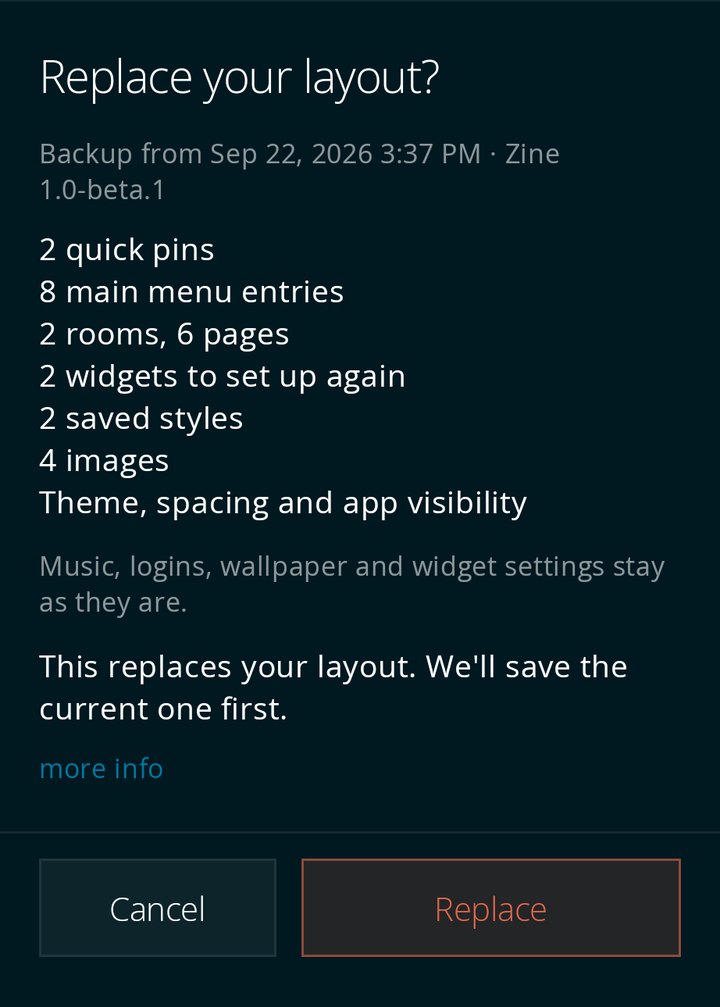
To restore a backup from another phone, or from before you reinstalled Zine, tap Find a file.
Zine doesn't use Android's cloud backup, because it would copy your server logins to Google.
Live wallpaper
Zine's wallpaper can be a photo, a video or a grid of your album covers. Turn on Apply as live wallpaper to control how your wallpaper looks when your phone is locked.
Android shows a preview before it sets a live wallpaper. Turn the setting off to use the picture as a regular wallpaper.
Widgets in rooms
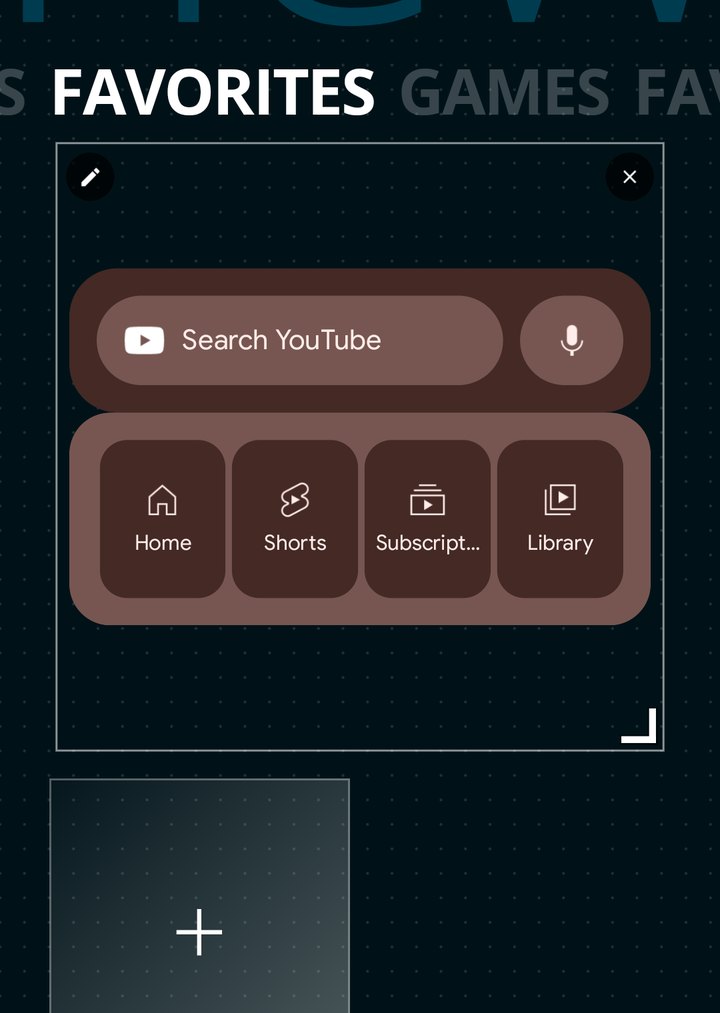
Rooms can hold widgets from your other apps. Android asks your permission for each one, and some widgets have their own setup screen.
To move or resize a widget, hold an empty spot in the room, then drag the corner handle. Each app sets how small or large its widget can be.
If you uninstall a widget's app, or restore a backup, the widget keeps its spot until you set it up again.
Music servers
Zine works with:
- Navidrome
- Jellyfin
- Ampache
- Audiobookshelf
Zine stores server addresses and logins on your phone and sends them only to that server. Many home servers use http instead of https, so Zine allows it. If your server can be reached from outside your home, use https.
Questions? Email hello@nokose.co. Read our privacy policy.